Guide 1 of 3 · the studio
3Draw in the Studio
The studio doesn't hand you a pencil. It hands you a graph — a grid of blocks running across, up, and toward you. You draw by giving it something to build from: a word, an emoji, a photo, a shape. Then you take over and edit the blocks it built, one at a time or all at once.
01How the studio thinks
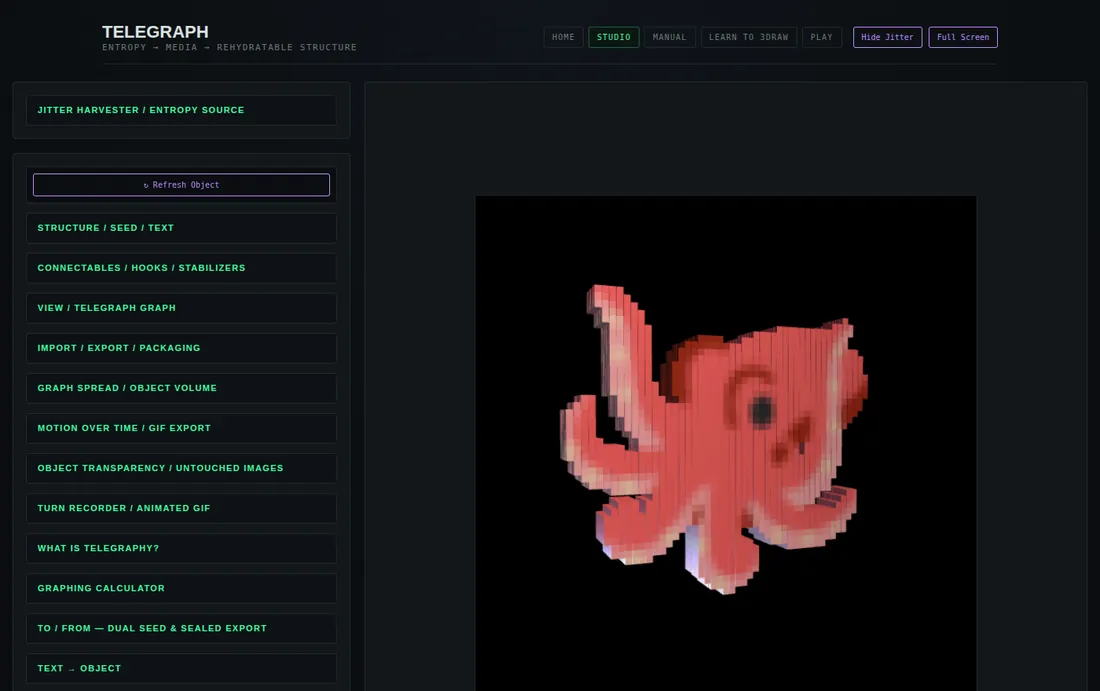
Everything you make sits on one grid. x runs left to right, y runs up, and z comes out of the screen toward you. Every block (a voxel) sits on a whole-number spot. That's what makes drawing possible: a block on the grid can be picked, recoloured, moved, scattered and put back.
Getting a good look
Panel: View / Telegraph Graph
- Drag the object to turn it. Use the mouse wheel or pinch to zoom, or the Zoom slider.
- Auto-rotate starts switched on. Switch it off while you work, so the object holds still under your cursor.
- The ◀ ▶ ▲ ▼ buttons turn the object in steps, and Reset View brings it back to face you.
- Grid lines, Grid points and X/Y/Z axes are your ruler and set square. Switch them on when placing blocks by hand.
02First mark: type it
Panel: Text → object
- Type a letter, a word or an emoji in the box.
- Press Generate Text Object. Pressing Ctrl/⌘ + Enter in the box does the same.
- Drag to turn it. It's a solid now, with a front, sides and a back.
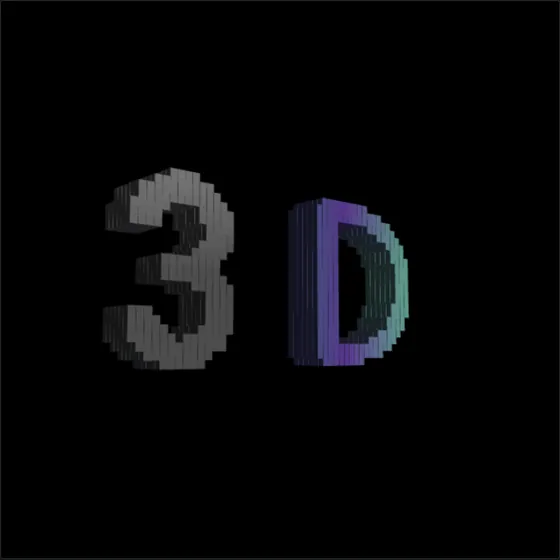
3D — letters take the palette colour.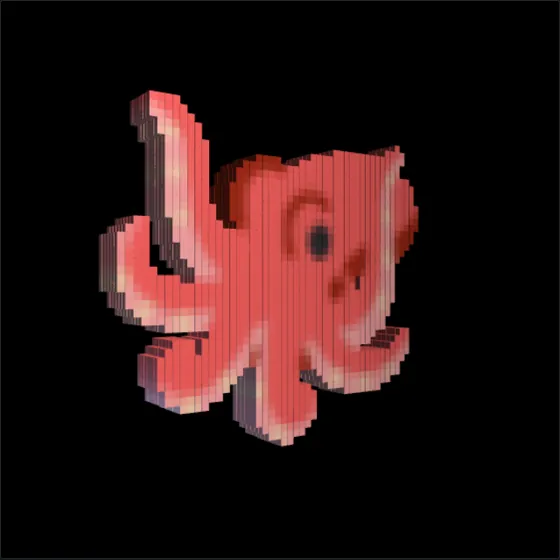
🐙 — emoji keep their own colours.Press Return in the box to stack lines. Text justify in the Structure / Seed / Text panel lines them up left, centre, right, or justified.
03Choose the look
Panel: Structure / Seed / Text → Typography
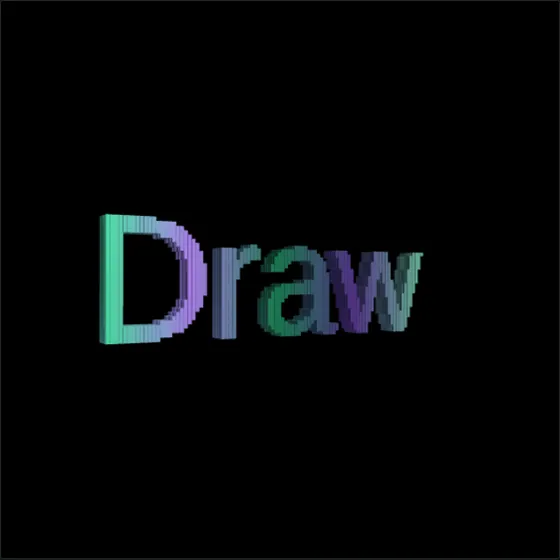
Draw in Georgia, with True font silhouette mode and a gradient across the text.- Font family sets the typeface. Try Georgia for serifs or Impact for bulk.
- True font silhouette mode draws letters at higher resolution so they follow the typeface closely. Raise True-font resolution for finer edges.
- Palette across text paints the letters one colour, a gradient across the whole text, or one colour per character or per line.
- Apply palette colors to emoji too recolours emoji to match the letters.
- Palette picks the colour family. Custom color wheel builds a five-colour palette from one hue.
04Start from a shape
Drawing from life starts with simple solids, and so can the studio.
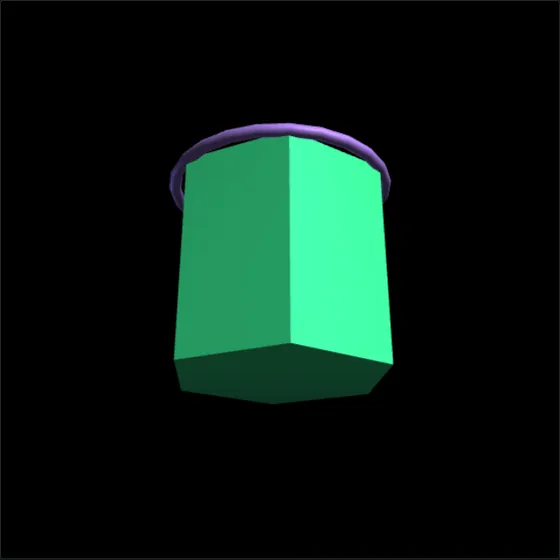
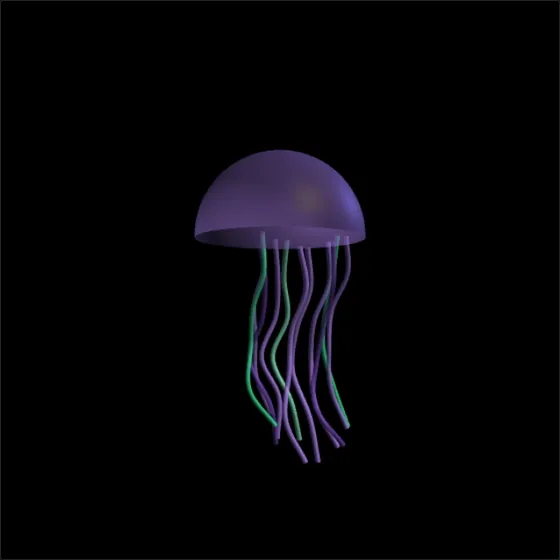
jellyfish, then Render From Seed.- Geometric shape quick-select (Structure panel, Typography) swaps in a solid: prisms from five to ten sides, a nonagonal pyramid on a platform, or a tetrahedron. Normal takes you back to your text.
- Depict builds an object from a name. Set Style to Depict (object from text), type one of
treeplanetstarcometjellyfishflowercrystalmushroomsnaketowerbutterflyghostfishin the Text → object box, and press Render From Seed.
05Bring in a drawing
Panel: View / Telegraph Graph → Photo → relief object
Anything you draw by hand can come into the studio. Draw it, photograph it or scan it, and load the picture here.
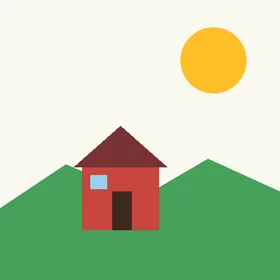
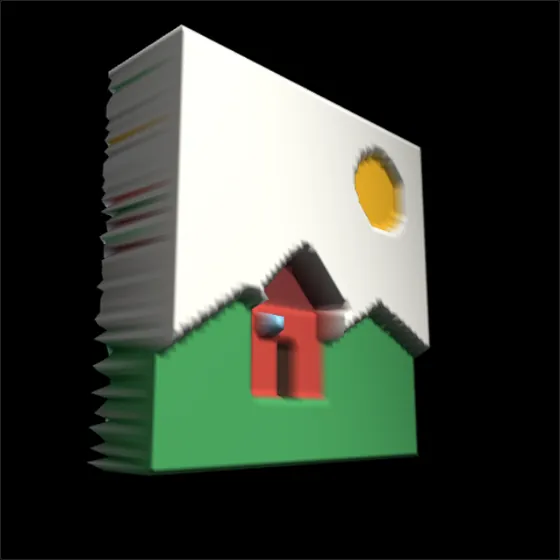
- Style → Relief (from photo) turns the picture into a colour relief. Solid makes a mould.
- Image geometry wraps the picture onto a box, a cylinder, a sphere or a triangular pyramid.
- Mirror image source flips it. Bubble / round display mode softens image solids into rounder forms.
06Draw block by block
Panel: View / Telegraph Graph → Telegraph — Voxel Graph
This is the studio's pencil. You pick blocks and change them: colour, place and size. Every edit stays on the grid.
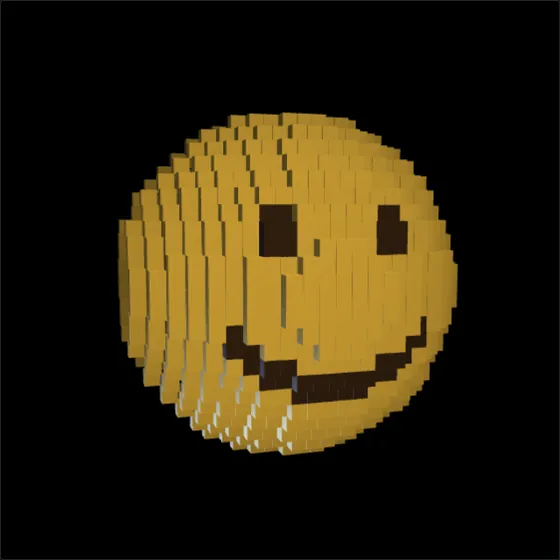
- Build something to work on. For a blank ball, open Graphing calculator, type
x^2+y^2+z^2 = 144, and press Plot graph. - Switch Auto-rotate off and switch Select mode (tap voxels) on.
- Tap a block to select it. Tap it again to let go. A short tap selects; a drag still turns the view. Select All takes every block, and pressing it again (it now reads Clear Selection) drops them all.
- Paint: choose a colour in Selected voxel color. The selected blocks take it at once.
- Move: the X− X+ Y− Y+ Z− Z+ buttons shift the selection one grid step at a time. A moved block keeps its new home, even through scramble and Snap.
- Resize: Shrink 0.8×, Grow 1.25× and Reset 1.0× scale the selection around its own centre. Bubble selected in the Graph spread panel rounds it off.
Turn the object as you go. Painting a face is flat work; painting all the way round a ball is 3D drawing.
07Draw with light
Panel: Light Settings · or the amber Light Settings button at the top
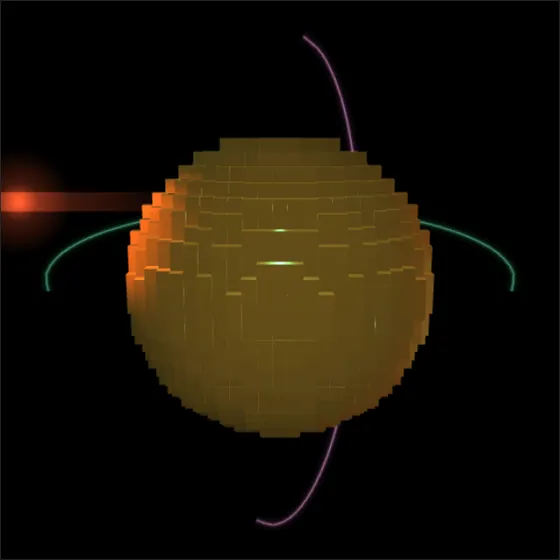
Light is what makes a shape read as 3D, on paper or on screen. This panel lets you place the lamps yourself, and even draw with light in the air around the object.
- Press Adjust Lighting — enter. Lamp figures appear, aimed at the object, and a metal reference cube sits in the middle so you can judge the light. The camera can now zoom further in and out.
- Pick a lamp: Key lamp, Rim lamp, Ambient wash, or Add lamp for up to as many spotlights as you like. Set Brightness, Lamp color, Azimuth (around), Elevation (up and down) and Distance. Lens flare on this lamp adds a glow.
- Draw streaks — on: now a drag paints a glowing line instead of turning the object. Choose Streak color and Width first.
- Switch drawing off, turn the object, switch it back on and draw again. Each stroke lands on a flat sheet facing you, so strokes drawn from different angles build a real 3D shape in the air. Undo takes back the last stroke; Clear all wipes them.
- Exit adjust mode. The lamp figures hide; their light stays. The first six streaks also cast coloured light of their own.
For grounded shadows, tick Floor — catches object shadows in the View / Telegraph Graph panel. Lamps, flares, streaks and the floor show in PNG and GIF exports. They never enter 3D mesh files.
08Shape the whole thing
Procedural styles
Panel: Structure / Seed / Text
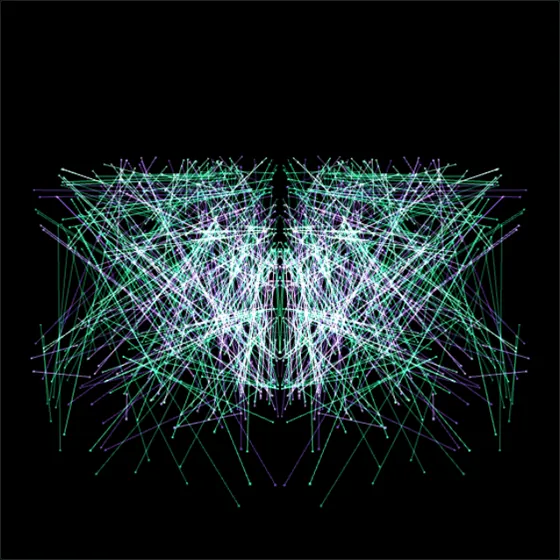
Lattice, Orbs, Crystal and Solid grow a structure from a seed. The Fold count, Segment density and Depth spread sliders shape it. Render From Seed builds it.
Symmetry (kaleidoscope folds) mirrors it. Deterministic means the same seed always gives the same object, so you can find one you like and get it back.
Spread, scatter, put back
Panel: Graph spread / object volume · and Entropy scramble in View / Telegraph Graph
- Object volume swells or shrinks the object. Blowout pushes characters out from the centre. Scatter separates whole pieces. Jumble swaps their places. Randomize turns them.
- Every slider works from the original, so pulling it back to zero puts everything back. Reset spread does it in one go.
- Entropy scramble strews blocks across the graph from 0% to 100%, and back. Snap returns them to the grid.
09Draw in time
Panels: Motion over time / GIF export · Turn recorder / animated GIF
- Morph between drawings. Type a word or emoji in each text field (+ Text field adds more), press Build text sequence, then ▶ Play. Capture current object adds whatever is on screen, block edits included. Set Seconds per transition and Interpolation, then Export motion GIF.
- Record your hand. Press ● Record, turn and zoom the object, press ■ Stop, then Export GIF. The GIF replays the movement you made.
10Keep it
Panel: Import / Export / Packaging
| You want… | Export as |
|---|---|
| a picture to post | PNG. Tick Transparent background to drop it onto anything. |
| a 3D print | STL or 3MF. For a flat base, tick Floor support in the Connectables panel first. |
| a model for other 3D apps | GLB, glTF, OBJ or PLY (PLY keeps block colours). |
| something only one person can open | Sealed VOBJ — see the To / From panel. |
11Five warm-ups
- 1 · Your initial, three waysType your initial. Build it in Georgia, then Impact, then Georgia with True font silhouette mode. Turn each one sideways and compare the edges.
- 2 · Emoji shelfType three emoji on three lines, set Text justify to Center, and turn the stack until it reads as one object.
- 3 · Smiley ballPlot
x^2+y^2+z^2 = 144and paint a face on it. Then turn it round and give it a second face on the back. - 4 · Paper to reliefDraw a house with a thick marker, photograph it, and load it as a Relief. Turn it until the roof casts a shadow on the wall.
- 5 · Ring of lightPut one warm lamp high on the left. Draw a streak around the middle of your object, turn it a quarter, and draw another. Record a turn and export the GIF.